🤖 AI & Tech
How to Set Up a Home Office: Ergonomics and Productivity
A good home office setup improves productivity and prevents back pain. Here's how to create an ergonomic workspace on any budget.
Essential Setup Checklist
| Item | Budget | Mid-Range | Premium |
|---|---|---|---|
| Desk | $100-$200 | $300-$500 | $500-$1,000 |
| Chair | $100-$200 | $300-$500 | $500-$1,500 |
| Monitor | $150-$250 | $300-$500 | $500-$800 |
| Lighting | $25-$50 | $50-$100 | $100-$200 |
| Total | $375-$700 | $950-$1,600 | $1,600-$3,500 |
Ergonomic Rules
- Monitor height: Top of screen at eye level
- Chair height: Feet flat on floor, knees at 90°
- Arm position: Elbows at 90° when typing
- Desk height: 28-30 inches for standing, 24-26 for sitting
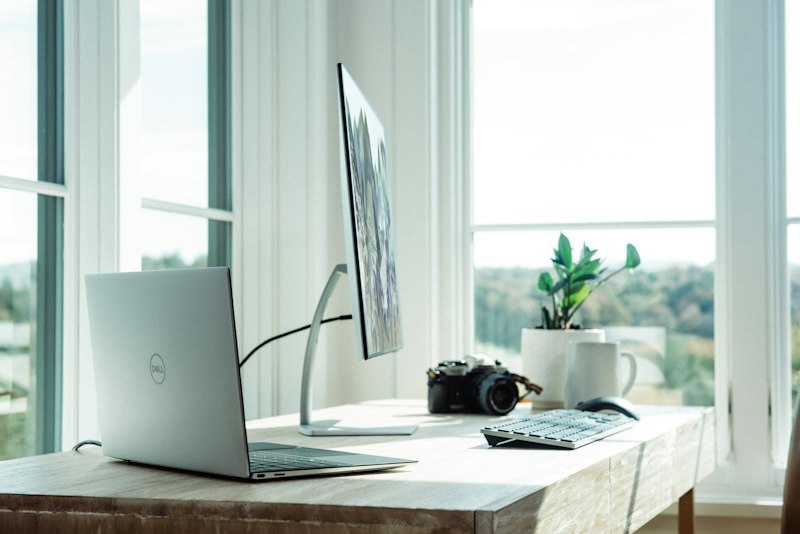
- Lighting: Position monitor perpendicular to windows
The biggest mistake: Buying a cheap chair. A $300 ergonomic chair saves you $3,000+ in chiropractor bills over5 years. Invest in your chair first, then your desk, then your monitor.
The bottom line: Budget setup: $375-$700. Good setup: $950-$1,600. Invest in a good chair first " — it prevents back pain and improves productivity. Follow ergonomic rules: monitor at eye level, feet flat on floor, elbows at 90°.