🤖 AI & Tech
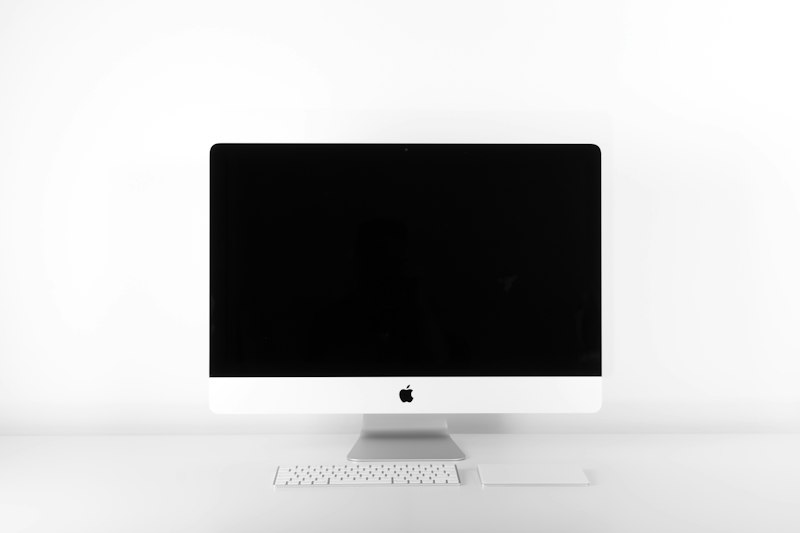
Best Monitors for Working From Home 2026
A good monitor improves productivity and reduces eye strain. Here are the best WFH monitors for every budget and need.
Monitor Recommendations
| Type | Best For | Price |
|---|---|---|
| 27" 4K | Most workers | $300-$500 |
| 34" Ultrawide | Multi-tasking, coding | $400-$700 |
| 24" 1080p | Budget option | $150-$250 |
| Portable 15" | Travel, dual setup | $200-$350 |
Top Picks by Budget
- Under $200: Dell SE2422H (24" 1080p, great for basic work)
- $200-$400: LG 27UL500 (27" 4K, excellent value)
- $400-$600: Dell U2723QE (27" 4K, USB-C, perfect for Mac)
- $600+: LG 34WN80C (34" ultrawide, productivity king)
Ergonomics matter: Position your monitor at arm's length, top of screen at eye level. Use the 20-20-20 rule: every 20 minutes, look at something 20 feet away for 20 seconds. This reduces eye strain by 50%.
The bottom line: Best value: 27" 4K monitor ($300-$500). Best productivity: 34" ultrawide ($400-$700). Always use a monitor arm for proper positioning. Follow the 20-20-20 rule to prevent eye strain.